Claude Code and the Art of Contributing to Massive OSS Projects
How I use Claude Code to navigate, understand, and contribute to open-source projects like Visual Studio Code. An agentic CLI tool turned a 1.5 million line codebase from intimidating to approachable.
Claude Code and the Art of Contributing to Massive OSS Projects
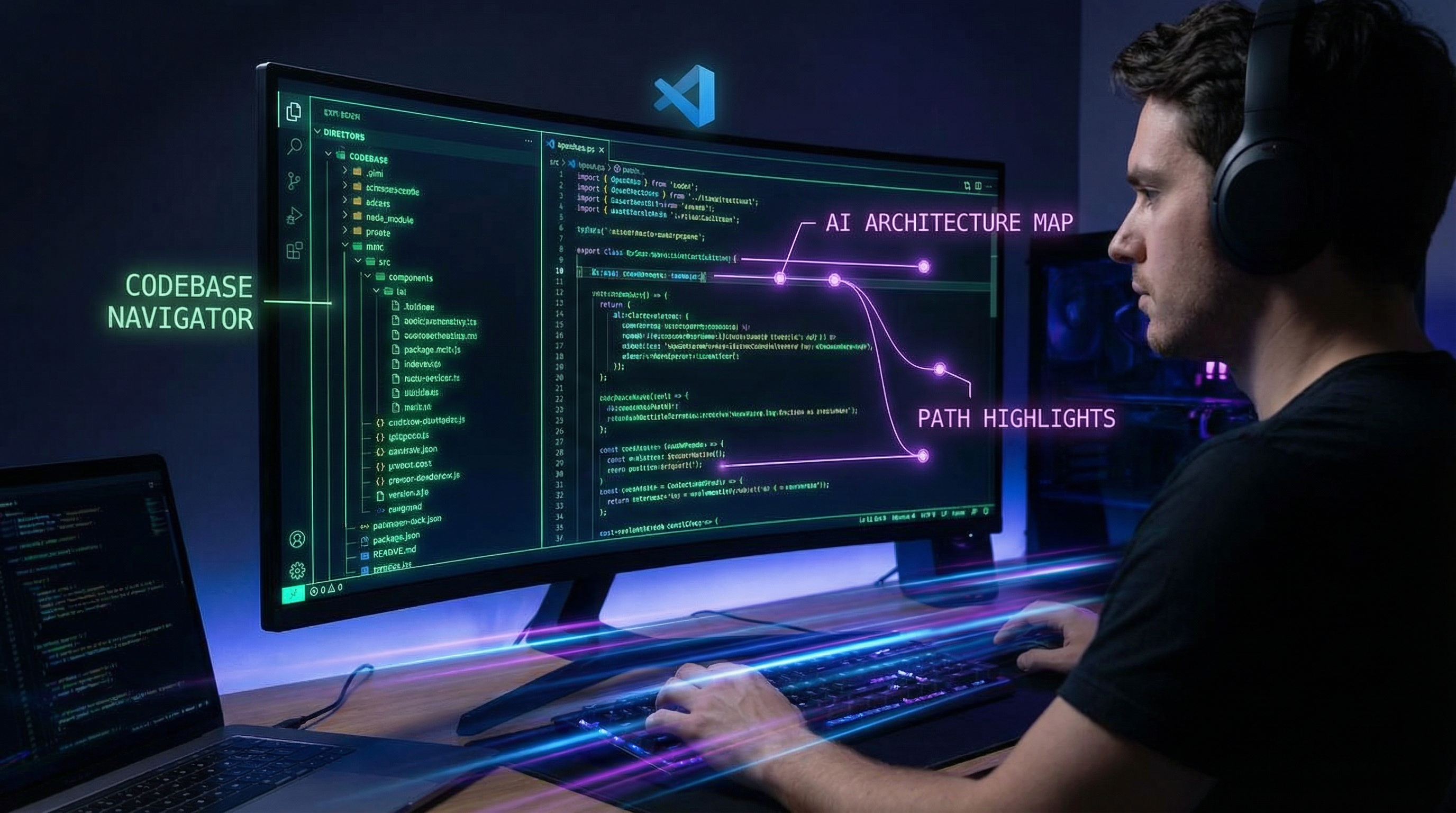
Contributing to large open-source projects has always had an intimidation problem. Not because the code is necessarily harder than what you write at work, but because the sheer scale makes it difficult to build a mental model of how things fit together. Visual Studio Code has over 1.5 million lines of TypeScript. Where do you even start? This year, Claude Code fundamentally changed how I approach OSS contributions, and I want to share the workflow that turned VS Code from "I could never contribute to that" into "I shipped a PR last Tuesday."
What Is Claude Code?
Claude Code is an agentic command-line tool from Anthropic that lives in your terminal. Unlike chat-based AI assistants where you copy-paste code back and forth, Claude Code reads your codebase directly, executes commands, edits files, runs tests, and manages git workflows. It operates with a 200K token context window and can spin up parallel subagents for complex tasks.
The key difference from IDE-based AI tools: Claude Code understands your project at the filesystem level. It can grep through files, read dependency trees, follow import chains, and build a working understanding of how a codebase is structured. For massive OSS projects, this capability is transformative.
# Getting started is simple
npm install -g @anthropic-ai/claude-code
cd vscode
claude
The OSS Contribution Problem
Having spent years at GitLab — itself one of the largest open-source projects — I know firsthand how difficult it is for new contributors to get oriented. The typical experience looks like this:
- Find an issue labeled "good first issue"
- Clone the repo
- Spend 3 hours trying to find where the relevant code lives
- Spend 2 more hours understanding the architecture around it
- Make a small change
- Spend another hour figuring out how to run the tests
- Give up or submit a PR that misses some context
Steps 3 through 6 are where most potential contributors drop off. The code itself is usually not the hard part. Navigation and comprehension are the hard parts. This is exactly where Claude Code excels.
My Workflow: VS Code as a Case Study
Here is how I used Claude Code to contribute to Visual Studio Code, a project with a codebase large enough to be genuinely daunting.
Step 1: Initial Orientation
The first thing I do when entering a new OSS project is ask Claude Code to give me the lay of the land:
> Explain the high-level architecture of this project. What are the main
  modules, how is the codebase organized, and what are the key entry points?
Claude Code reads the directory structure, key config files, README, and top-level source files, then produces a structured overview. For VS Code, it identified the layered architecture (common, browser, electron, node), the extension host system, the service injection pattern, and the workbench layout system. In five minutes, I had a mental map that would have taken me a full day of reading to build manually.
Step 2: Issue Investigation
Once I picked an issue to work on, I asked Claude Code to help me trace the problem:
> Issue #198234 reports that the minimap sometimes renders incorrectly
  when word wrap is enabled. Help me find the code responsible for
  minimap rendering and how it interacts with the word wrap system.
Claude Code searched through the codebase, identified the relevant files in src/vs/editor/browser/viewParts/minimap/, traced the rendering pipeline, and showed me how the minimap consumes line information from the view model — including where word wrap transformations are applied. It found the specific code path where wrapped lines were being counted incorrectly.
This kind of targeted investigation across a massive codebase is where Claude Code is at its best. It is doing what a senior contributor who knows the project would do: following the thread from symptom to root cause across multiple files and abstraction layers.
Step 3: Understanding Patterns and Conventions
Every large project has conventions that are not documented anywhere. Before making changes, I ask Claude Code to analyze the patterns:
> Look at how other viewParts in the editor handle line counting with
  word wrap enabled. Show me the pattern I should follow.
This is critical for getting PRs accepted. Maintainers will reject technically correct code that does not follow the project's conventions. Claude Code surfaces these patterns by reading existing code and identifying the common approach.
Step 4: Making the Change
With a clear understanding of the problem, the relevant code, and the project conventions, making the actual change was straightforward. I used Claude Code to help implement the fix:
> Fix the line counting in minimap rendering to correctly account for
  wrapped lines. Follow the same pattern used in the line numbers
  view part.
Claude Code made the edit, and I reviewed it. The change was small — a few lines — but finding the right place to make those few changes was the real challenge that Claude Code solved.
Step 5: Testing and Validation
> How do I run the tests for the minimap module? Run them and show me
  if anything fails.
Claude Code found the test configuration, ran the relevant test suite, and confirmed the fix did not break existing tests. It also suggested adding a specific test case for the word-wrap scenario.
The CLAUDE.md File: Project Memory
One of the features I find most valuable is the CLAUDE.md file. This is a markdown file you place in a project's root that gives Claude Code persistent context about the project — coding standards, architectural notes, build commands, testing conventions.
For my OSS workflow, I maintain a personal CLAUDE.md for each project I contribute to:
# VS Code Contribution Notes

## Build
- Run `yarn` to install dependencies
- Run `yarn watch` for incremental builds
- Use `./scripts/code.sh` to launch from source

## Architecture
- Service injection via decorators (@IServiceIdentifier)
- View parts extend ViewPart base class
- Tests in adjacent __test__ directories

## PR Conventions
- Reference issue number in commit message
- Keep changes focused and minimal
- Add test cases for bug fixes
This file persists across Claude Code sessions, so every time I come back to the project, Claude Code already has this context. It is like leaving notes for your future self, except the AI actually reads and applies them.
Beyond VS Code: The General Pattern
I have used this same workflow to contribute to several other projects:
Understanding dependency chains. In large projects, a change in one module can have cascading effects. Claude Code traces these dependencies in seconds.
Reading unfamiliar languages. I contributed a small fix to a Go project despite not writing Go regularly. Claude Code explained the language patterns and conventions specific to that codebase.
Navigating monorepos. Projects like VS Code, Chromium, and large company monorepos have complex build systems and inter-package dependencies. Claude Code handles the navigation that would otherwise require deep institutional knowledge.
The Subagent System
For larger investigations, Claude Code's subagent system is particularly useful. It can spin up to 10 parallel subagents, each with its own focused context. When I am exploring a large issue, I might have one subagent researching the rendering pipeline, another looking at test patterns, and a third reviewing recent commits related to the same area.
> Use subagents to investigate in parallel:
  1. Find all places where minimap line height is calculated
  2. Find how the word wrap model exposes wrapped line counts
  3. Check if there are existing tests for minimap + word wrap
This parallel investigation dramatically speeds up the comprehension phase.
What Claude Code Does Not Do
I want to be balanced. Claude Code is not a magic wand for OSS contributions:
- It does not replace understanding. I still need to understand why code is structured a certain way, not just where things are. Claude Code accelerates navigation, but comprehension still requires human judgment.
- It can miss nuance. Project politics, unwritten social norms, and maintainer preferences are not in the codebase. Reading past PR discussions and issue threads is still essential.
- Large-scale refactors need caution. For small, focused changes it is excellent. For large refactors that touch many files, the risk of subtle errors increases and careful human review is essential.
- Rate limits matter. Extended sessions with large codebases can consume significant context. Being strategic about what you ask and when is important.
The Bigger Picture
What excites me about tools like Claude Code is how they democratize access to large codebases. The barrier to contributing to projects like VS Code, Kubernetes, or the Linux kernel has always been comprehension, not skill. Most developers are capable of making meaningful contributions to these projects — they just cannot afford the weeks of orientation required to get started.
Claude Code compresses that orientation from weeks to hours. It does not make you an expert on the project, but it gets you to the point where you can be productive fast enough that contributing becomes practical.
Coming from GitLab, where we thought constantly about how to make contribution easier — better docs, clearer architecture, mentorship programs — seeing an AI tool solve the navigation problem so effectively is validating. We were attacking the right problem; the solution just came from an unexpected direction.
If you have ever looked at a large open-source project and thought "I would love to contribute but I do not know where to start," Claude Code is my honest recommendation for changing that equation.
Claude Code is available via npm install -g @anthropic-ai/claude-code. Pick an open-source project you admire, clone it, and spend an afternoon exploring it with Claude Code. You might be surprised how quickly "massive and intimidating" becomes "large but navigable."