OpenClaw: How a Self-Hosted AI Assistant Transformed My Daily Workflow
I am running OpenClaw on a Mac Mini at home and interacting with it through WhatsApp. It has become the most useful tool I own. Here is my setup, how I use it daily, and why self-hosted AI assistants are the future of personal productivity.
OpenClaw: How a Self-Hosted AI Assistant Transformed My Daily Workflow
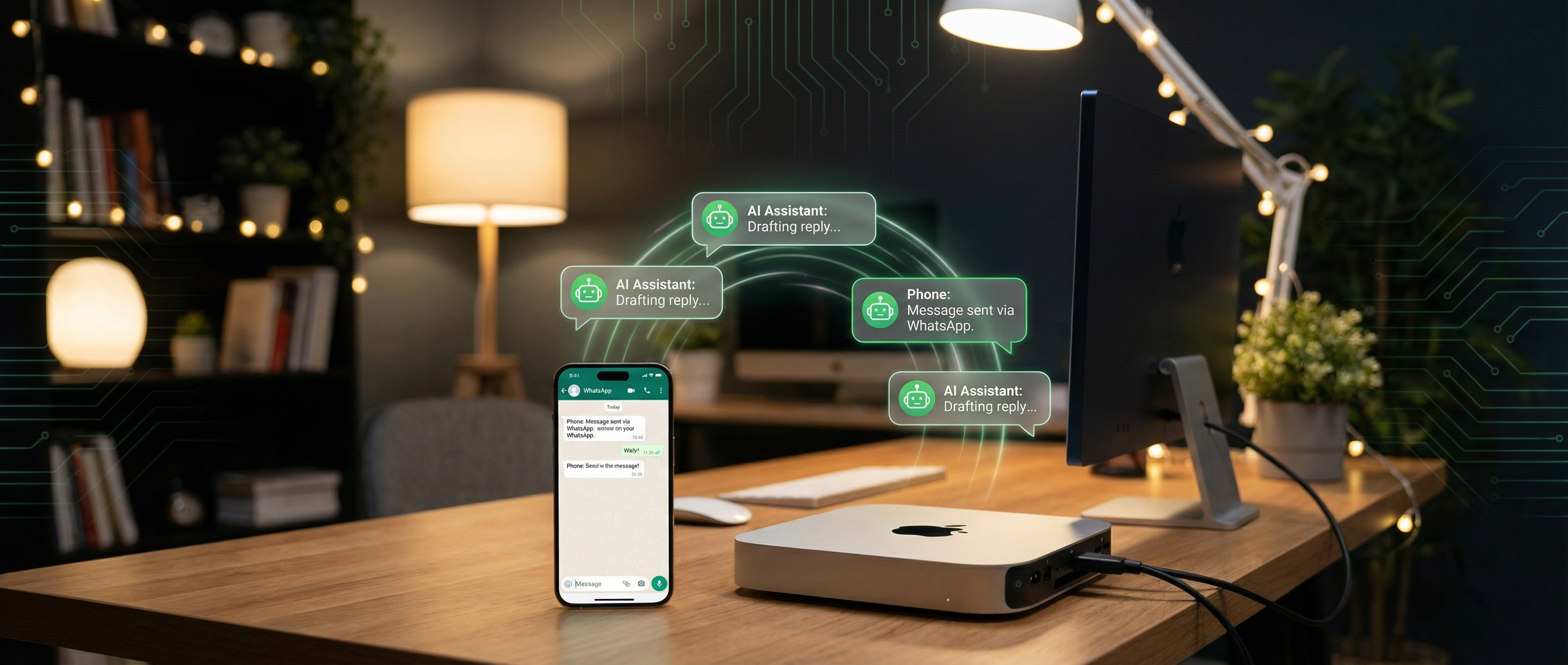
A few months ago, I came across Peter Steinberger's setup for running an AI assistant on a home server and interacting with it through messaging apps. Steinberger, the founder of PSPDFKit and a developer I have respected for years, had been running what eventually became OpenClaw as a personal experiment: a self-hosted AI assistant that lives on your own hardware and meets you where you already are, in your messaging apps. The idea immediately resonated with me. I set it up on a Mac Mini that same weekend, and it has quietly become the most impactful addition to my workflow since I started using Cursor.
What Is OpenClaw?
OpenClaw is a free, open-source AI assistant that runs on your own infrastructure and connects to your messaging platforms. It started as Steinberger's personal project (originally called Clawdbot, then Moltbot) and grew into one of the most popular open-source AI projects on GitHub with over 187K stars and a community of 60,000+ on Discord.
The key differentiators:
- Model-agnostic: Works with Claude, GPT, Gemini, Grok, or local models via Ollama
- Self-hosted: Runs on your hardware where you own the data, logs, and configuration
- Multi-channel: Connects to WhatsApp, Telegram, Discord, Slack, Signal, iMessage, and 15+ other messaging platforms through a single Gateway process
- MIT licensed: Fully open source, community-driven with 370+ contributors
What makes it different from just using ChatGPT or Claude directly is the combination of self-hosting (data stays with you), persistent context (it remembers your preferences and past conversations), and the fact that it lives in your messaging app, the interface you already check dozens of times a day.
My Setup: Mac Mini and WhatsApp
Hardware
I am running OpenClaw on a Mac Mini M2 Pro with 32GB of unified memory. This is the same machine I mentioned in my privacy-preserving AI post where it already runs Ollama for local model inference. Adding OpenClaw was a natural extension.
The Mac Mini draws about 10 to 15 watts at idle, runs silently, and sits on a shelf in my home office. It is always on, always connected, and costs pennies per day in electricity. For a 24/7 AI assistant, the economics are hard to beat.
Installation
Getting OpenClaw running was straightforward:
npm install -g openclaw@latest

openclaw onboard --install-daemon
The onboarding wizard walks you through connecting your AI provider (I use Claude as the primary model, with Ollama as a fallback for fully local inference) and linking your messaging platforms. For WhatsApp, it uses the WhatsApp Business API through a bridge that OpenClaw maintains.
Configuration
The real power is in the configuration. OpenClaw uses a YAML config file where you define your assistant's behavior:
model:
  primary: claude-sonnet-4-20250514
  fallback: ollama/llama3.1:8b

channels:
  whatsapp:
    enabled: true
    phone: "+1XXXXXXXXXX"

memory:
  enabled: true
  provider: local
  path: ~/.openclaw/memory

tools:
  - name: web_search
    enabled: true
  - name: calendar
    provider: google
  - name: notes
    provider: obsidian
    vault_path: ~/Documents/Obsidian
The tool integration is where OpenClaw really shines. It supports MCP servers natively, so any MCP-compatible tool I have built (like the ones I described in my MCP post) works with OpenClaw out of the box.
How I Actually Use It
Here is what a typical day looks like with OpenClaw as my always-available AI assistant through WhatsApp.
Morning: Briefing and Planning
I wake up and send a message: "What does my day look like?" OpenClaw pulls my calendar, checks my task manager, and summarizes the day ahead. It flags conflicts, suggests preparation for meetings, and reminds me of deadlines. This used to be a 10-minute routine of checking multiple apps. Now it is one message.
During Breakfast: Research and Brainstorming
Sitting on the kitchen table, I have conversations with OpenClaw about whatever I am working on. "What are the trade-offs between X and Y approach for this feature?" or "Summarize the key points from this paper" (I send it links or PDFs). Because it is WhatsApp, I can do this with one hand on my phone with no need to open a laptop or navigate to a web app.
Work: Quick Lookups and Drafting
Throughout the day, questions come up that would normally break my flow. "What is the syntax for X in Solidity?", "Draft a response to this email" (I forward emails to my OpenClaw WhatsApp number), "How does the fee calculation work in this contract?" (I paste code snippets). Having the answer arrive in my messaging app means I never leave the context I am already in.
Evening: Personal Tasks
"Add milk to the grocery list." "When is the next school holiday?" "Draft a message to the contractor about the kitchen renovation." The line between work assistant and personal assistant blurs, and that is the point. It is like having a knowledgeable friend who is always available and never forgets.
What Makes This Different from Just Using ChatGPT
The honest question: why not just text Claude or ChatGPT in their apps? Several reasons.
Persistent memory. OpenClaw remembers our past conversations. It knows my projects, my preferences, my tech stack. I do not re-explain context every time. When I ask about "the Avalanche project," it knows which one I mean.
Tool integration. It is connected to my calendar, notes, and custom MCP tools. Cloud AI apps give you a chat box. OpenClaw gives you a chat box wired into your life.
Data ownership. All conversation history, memory, and logs are stored on my Mac Mini. Nothing goes to a third party except the model API calls themselves (and even those can be local with Ollama). After spending years working on privacy in Web3, this matters to me.
Always-on availability. The Mac Mini never sleeps. At 3 AM when I have an idea, I message OpenClaw. The response is there when I wake up. It is asynchronous by nature, which fits how I actually think and work.
Interface familiarity. WhatsApp is already the app I use most. There is zero friction: no new app to open, no login, no context switch. The best tool is the one you actually use, and I use WhatsApp constantly.
The Peter Steinberger Inspiration
What drew me to this setup was Steinberger's philosophy about AI assistants: they should be personal, private, and persistent. His original experiment was about building an AI assistant that felt like an extension of himself, one that learned his preferences, understood his context, and was always available without depending on a corporation's servers or policies.
That philosophy aligned perfectly with my own experience building privacy-first systems. The idea that you can have a world-class AI assistant that runs on a $600 Mac Mini in your closet, talks to you through an app you already use, and keeps all your data under your control is not a compromise. For me, it is strictly better than the alternatives.
Practical Tips for Setting This Up
Start with cloud models. Do not try to run everything locally on day one. Use Claude or GPT as your primary model and add local fallback later. The experience is better with frontier models.
WhatsApp is the sweet spot. I tried Telegram and Discord too. WhatsApp wins because it is where my non-tech contacts are, which means I naturally have it open all day. The best AI assistant lives in the app you already live in.
Invest time in tool configuration. Out of the box, OpenClaw is a nice chat interface. The magic happens when you connect it to your calendar, notes, and custom tools. Spend a weekend wiring it up.
Set up memory from the start. OpenClaw's memory feature lets it build a persistent understanding of you. The longer it runs, the more useful it becomes.
Mac Mini is ideal for this. Low power, silent, always on, and with Apple Silicon, capable enough to run local models when you want them. It is the perfect home AI server.
Impact on My Workflow
After three months with OpenClaw, I can point to specific changes:
- I check fewer apps. Calendar, task manager, weather, news summaries: all through one WhatsApp thread.
- I capture more ideas. The friction to record a thought went from "open an app, find the right note, type it out" to "send a message." My idea capture rate has tripled.
- I context-switch less. Questions that used to require opening a browser and searching now get answered inline in my messaging app.
- My documentation improved. I send rough thoughts to OpenClaw and ask it to clean them up. This post started as a series of WhatsApp messages.
The compound effect is significant. It is not any single task that is revolutionary. It is the elimination of hundreds of small friction points throughout the day.
OpenClaw is open source and available at openclaw.ai. If you have a Mac Mini or any always-on machine collecting dust, give it a purpose. The setup takes an hour, and within a week you will wonder how you lived without it.